 DockThumb
One Mac app instead of five. Here’s what it replaces.
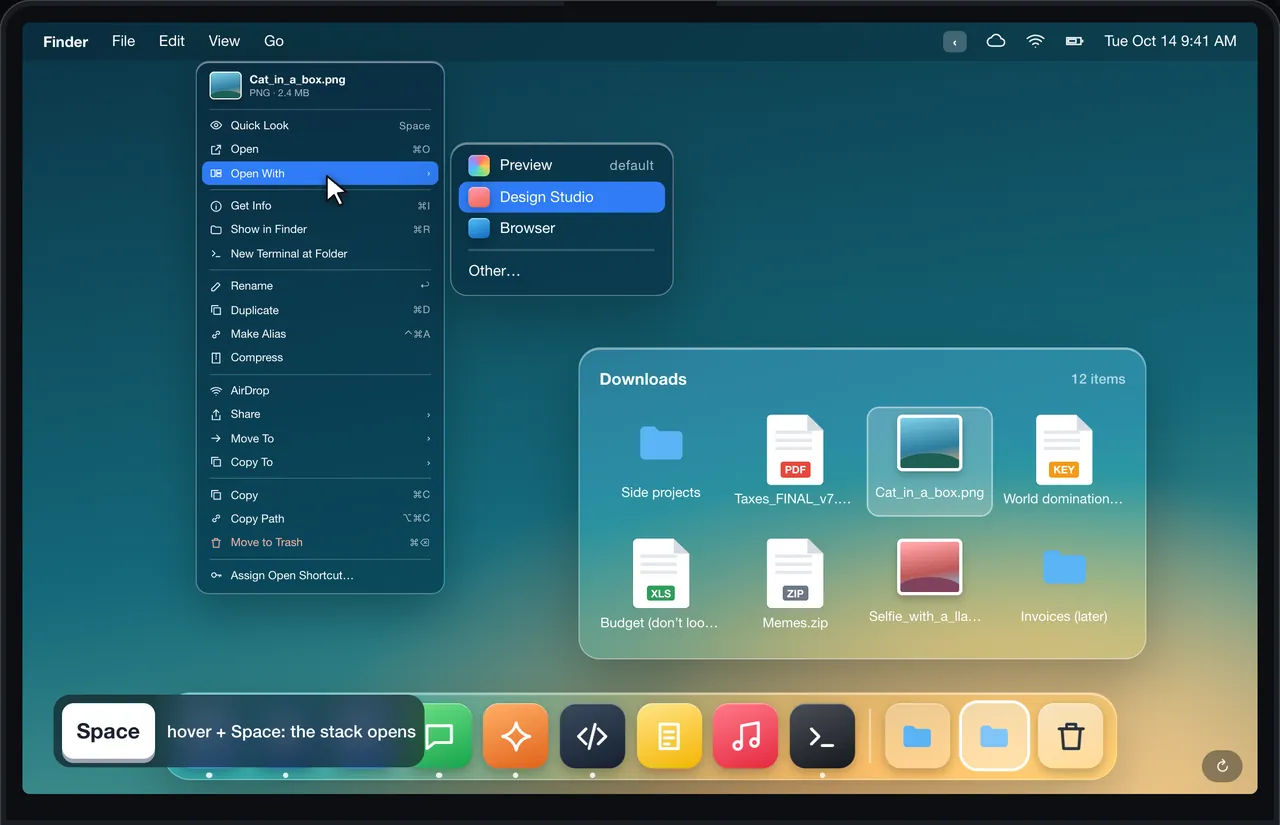
Many Mac users end up with a window switcher, a tiling app, a menu bar manager and a pin tool. DockThumb covers the everyday part of each and adds something none of them do: hover anything in the Dock and press one key.
How to choose
If you only need one job done, a dedicated app is often the better pick, and several are free: AltTab for switching, Rectangle for tiling, Ice for the menu bar. Each comparison below says when that is the case.
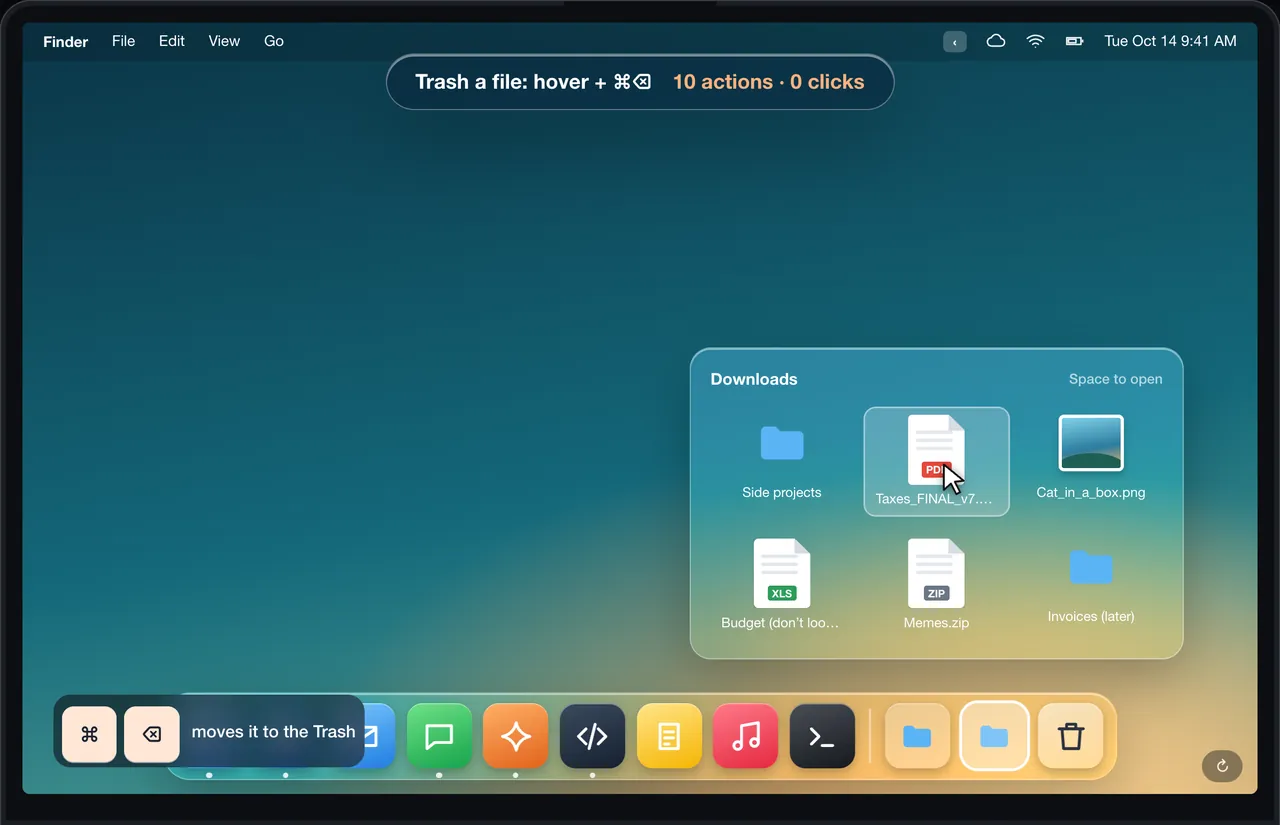
DockThumb is for people who want the Dock to do more and the usual window tools in one place, for $4.99 once. Its distinctive part is the Dock: open stacks with Space, copy, trash or undo files inside them, right-click them, and quit or hide apps without a right-click.
Alternatives, by category
Tiling
RectangleFree · Pro $10Compare →Magnet$4.99Compare →Moom$15Compare →Pin on top
What you’d buy separately
| Feature | DockThumb | Usual apps |
|---|---|---|
| Act on files inside Dock stacks | ✓ | No app found |
| Hover + Space / ⌘Q on Dock apps | ✓ | No app found |
| Window switcher | ✓ grouped by type | AltTab (free), Witch ($14) |
| Keyboard tiling | ✓ + auto-grids by type | Rectangle (free), Magnet ($4.99), Moom ($15) |
| Pin a window on top | ✓ | Floaty (≈ $7) |
| Search windows and browser tabs | ✓ | Witch ($14) |
| Hide menu bar icons | ✓ simple | Bartender (≈ $16), Ice (free) |
| Price | $4.99 once | ≈ $62 for the paid ones |
Prices noted on October 15, 2026. Check each official site before buying.
The part nobody else does
Questions
What is the best free alternative to DockThumb?
There is no single free app that does the same set of things. For each job there are good free tools: AltTab for switching windows, Rectangle for tiling, Ice for the menu bar, DockDoor for Dock window previews. None of them acts on files inside Dock stacks.
Why use one app instead of several?
Fewer apps to install, update and give permissions to, one set of shortcuts that don’t fight each other, and one purchase. The trade-off: a dedicated app can go deeper on its single job.
Does DockThumb have a subscription?
No. It is $4.99 once, with every version 1 update and a 14-day refund.
Your whole Mac, under your thumb.
$4.99 once, no subscription, no account, 14-day refund. macOS 14 or later on Apple silicon.