 DockThumb
Looking for a Magnet alternative? Here’s when DockThumb fits, and when it doesn’t.
Magnet is one of the best-known tiling apps on the Mac App Store. Drag a window to an edge or a corner and it snaps into place, or use a keyboard shortcut. It is simple and inexpensive.
Pick Magnet if…
- You only need tiling
- You like dragging windows to edges and corners
- You prefer buying through the Mac App Store
$4.99 (Mac App Store) · CrowdCafe
Pick DockThumb if…
- You want every window sorted into a grid by type with one key
- You also want a switcher and pin-on-top
- You want hover + one key on Dock apps and files in Dock stacks
$4.99 once · yours for life
What Magnet does well
Magnet is easy to understand on day one: drag, drop, done. Buying it through the Mac App Store is reassuring for many people, and it does the snapping job without fuss.
What DockThumb adds
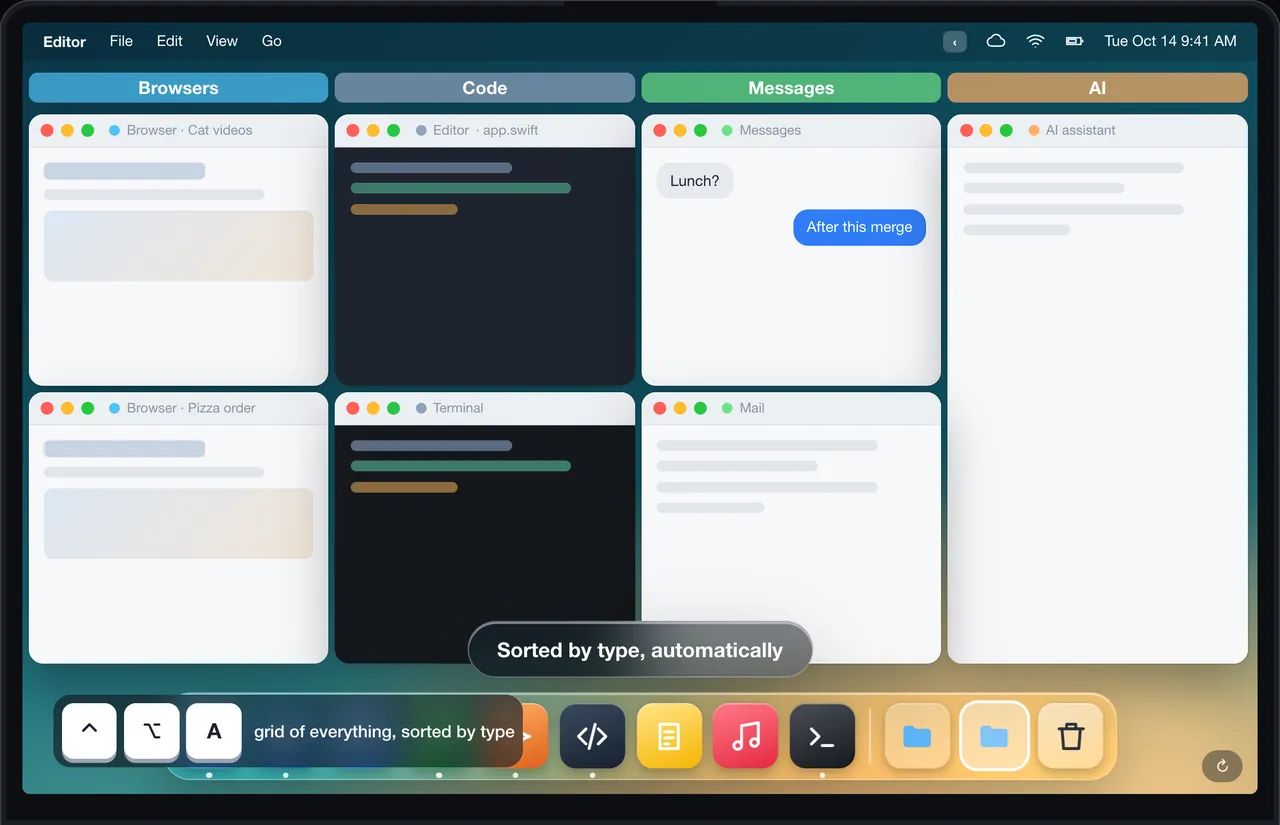
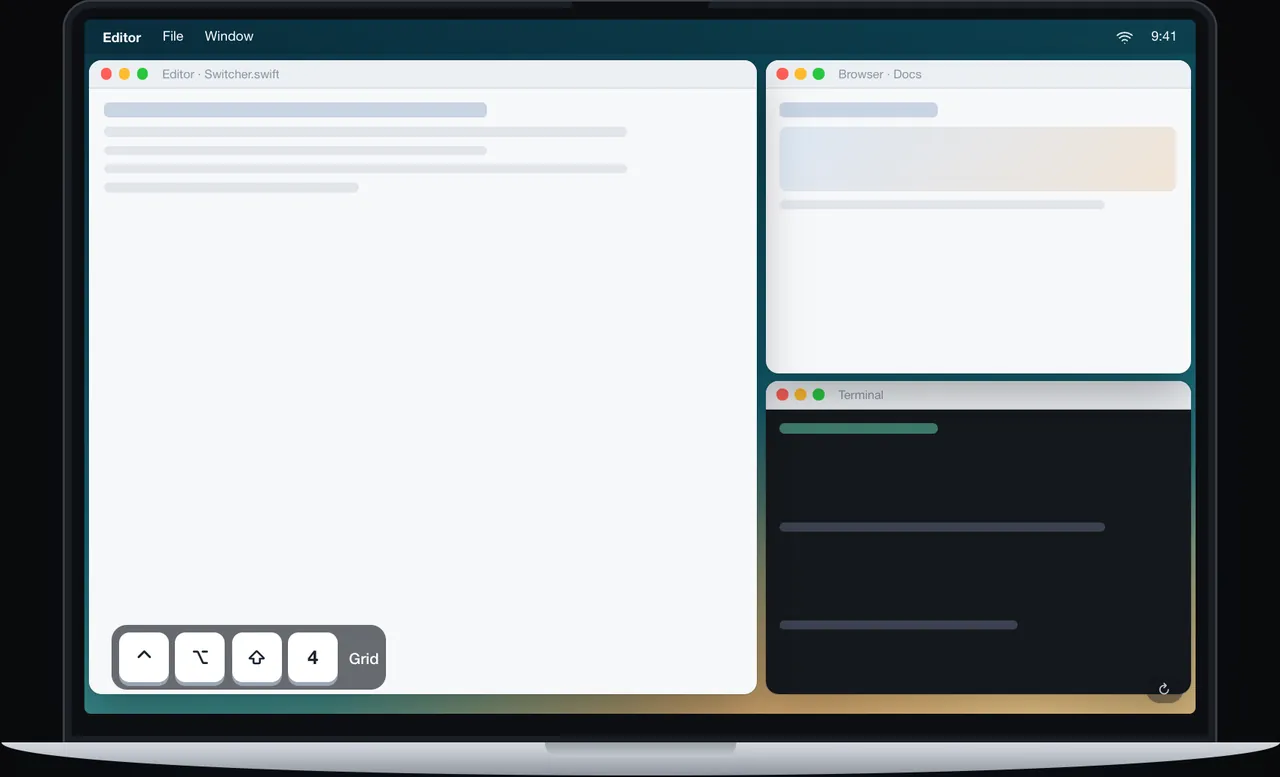
DockThumb is keyboard-first. ⌃⌥ + arrows covers halves and thirds, and ⌃⌥A sorts every open window into a grid by type, something Magnet does not do. On top of that you get a switcher grouped by type, a pinned window and hover + one key in the Dock.
Side by side
| Feature | DockThumb | Magnet |
|---|---|---|
| Halves, thirds, quarters by keyboard | ✓ | ✓ |
| Snap by dragging to edges | ✕ | ✓ |
| Auto-grid every window by type | ✓ | ✕ |
| Window switcher grouped by type | ✓ | ✕ |
| Act on files inside Dock stacks | ✓ | ✕ |
| Hover + Space / ⌘Q on Dock apps | ✓ | ✕ |
| Pin a window on top | ✓ | ✕ |
| Price | $4.99 once | $4.99 (Mac App Store) |
Price: Magnet vs DockThumb
Both cost $4.99 once (Magnet’s App Store price varies by country and during sales). For the same price, Magnet does tiling only, DockThumb does tiling plus the Dock, a switcher and pinning.
Prices noted on October 15, 2026. ~ means partly. Check Magnet’s official site before buying: magnet.crowdcafe.com
What it looks like in DockThumb
Questions
What’s the best Magnet alternative for Mac?
There is no single best one: it depends on what you use Magnet for. DockThumb is keyboard-first. ⌃⌥ + arrows covers halves and thirds, and ⌃⌥A sorts every open window into a grid by type, something Magnet does not do. On top of that you get a switcher grouped by type, a pinned window and hover + one key in the Dock.
How much does Magnet cost?
Magnet: $4.99 (Mac App Store), as noted on October 15, 2026. DockThumb costs $4.99 once, with no subscription and a 14-day refund.
Can I use DockThumb and Magnet at the same time?
Yes, if the shortcuts don’t overlap. Turn off DockThumb’s tiling in Settings if you’d rather keep Magnet’s.
Which Macs does DockThumb run on?
DockThumb needs macOS 14 Sonoma or later on a Mac with Apple silicon. Intel Macs are not supported.
Hover it. Press a key. That’s the trick.
$4.99 once, no subscription, no account, 14-day refund. macOS 14 or later on Apple silicon.